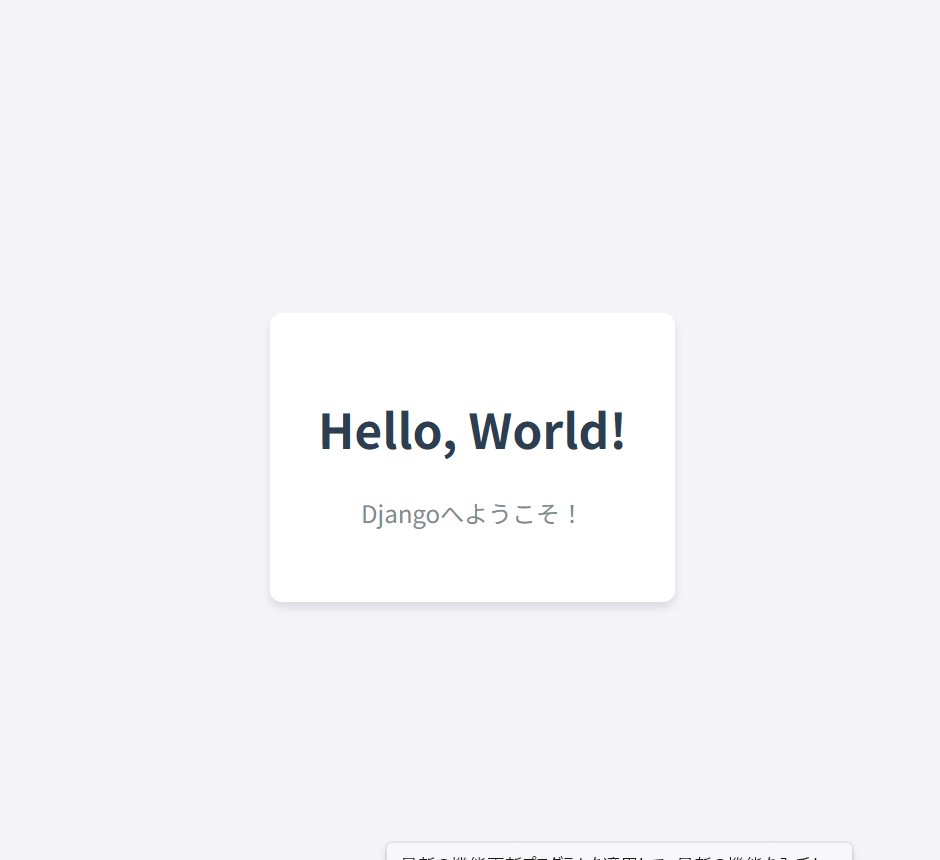
この記事では、DjangoでhtmlマークアップしたHello worldを出力する方法について書いていきます。
サンプル
※hello_worldというプロジェクトからの階層です。
cd ..
python manage.py startapp myapp
最初にコマンドプロンプトでmyappというフォルダを作成します。
mkdir myapp\templates\myappmyapp/templates/myapp/hello_world.html
<!DOCTYPE html>
<html lang="ja">
<head>
    <meta charset="UTF-8">
    <meta name="viewport" content="width=device-width, initial-scale=1.0">
    <title>Hello World</title>
    <style>
        body {
            font-family: sans-serif;
            display: flex;
            justify-content: center;
            align-items: center;
            height: 100vh;
            margin: 0;
            background-color: #f4f4f9;
        }
        .container {
            text-align: center;
            padding: 2rem;
            background: white;
            border-radius: 8px;
            box-shadow: 0 4px 6px rgba(0, 0, 0, 0.1);
        }
        h1 {
            color: #2c3e50;
        }
        p {
            color: #7f8c8d;
        }
    </style>
</head>
<body>
    <div class="container">
        <h1>Hello, World!</h1>
        <p>Djangoへようこそ!</p>
    </div>
</body>
</html>
myapp/views.py
from django.shortcuts import render

def hello(request):
    return render(request, 'hello.html')
hello_world/urls.py
from django.contrib import admin
from django.urls import path
from . import views  # ← views をインポート

urlpatterns = [
    path('admin/', admin.site.urls),
    path('', views.hello, name='hello'),  # ← トップページ (/) にアクセスした時に views.hello を呼び出す
]
hello_world/stting.py
INSTALLED_APPS = [
    'django.contrib.admin',
    'django.contrib.auth',
    'django.contrib.contenttypes',
    'django.contrib.sessions',
    'django.contrib.messages',
    'django.contrib.staticfiles',
    'myapp',  # ← ここに 'myapp' が追加されているか確認
]
サーバーの起動
コマンドプロンプトで
cd hello_world/hello_worldファイルを指定し
python manage.py runserver以下の画像のようなページが表示されれば成功です。